CLI - chirp tail
See everything Chirp is doing, live, in your terminal.

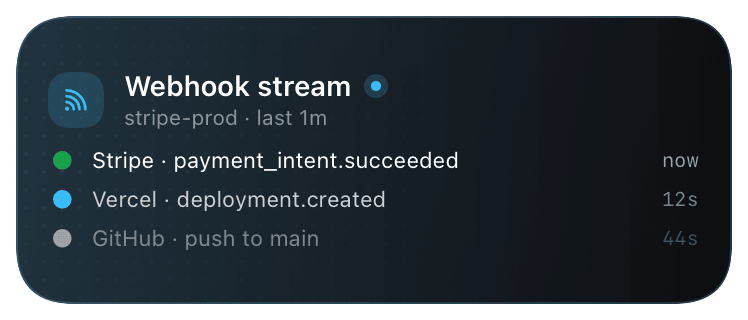
`chirp tail` is the debugging surface. Polls your account's recent events (activities + notifications) and prints them to your terminal - every start/update/end/notify, with timestamps, schema, and source. Useful for confirming a webhook is wired, watching a deploy from your laptop while your phone's elsewhere, or tracking down which integration's misconfigured.
Two modes: pretty (default) prints a human-readable feed; `--json` emits one event per line as NDJSON for piping to jq, grep, or your own log forwarder.
Prerequisites
- Chirp CLI installed.
- `chirp login` completed.
Setup
- 1
Just run it
No flags needed. Polls /v1/logs every few seconds and prints new events. Ctrl-C to exit.
shellchirp tail - 2
Tune the poll interval
Default poll cadence is a few seconds.
--interval 1polls every 1s for tighter live-feel;--interval 10is gentler if you're tailing a low-traffic account.shellchirp tail --interval 1 # 1s poll, tight feedback chirp tail --interval 10 # 10s poll, lower API call volume - 3
JSON mode for piping
--jsonemits NDJSON. Pair with jq, grep, or a log forwarder. Each line is a complete event object.shell# Show only failed activities: chirp tail --json | jq 'select(.outcome == "failure")' # Forward to a log file: chirp tail --json >> ~/.chirp/tail.log &
What you’ll see
Pretty mode: one line per event, color-coded by type - green for activity_start, blue for update, red/green/orange for end (matching outcome), grey for notifications. JSON mode: NDJSON. Both modes include source (which integration fired the event), schema_id, activity_id, and the data payload.
Troubleshooting
- Some events show up late.
- Tail is poll-based against /v1/logs, not a push stream - there's a one-poll-interval delay between event arrival and tail printing it. Lower
--intervalif it bothers you. - No events appear even though I know one fired.
- Hit /v1/logs directly (
curl -H "Authorization: Bearer $CHIRP_API_KEY" https://api.chirpapp.dev/v1/logs) to confirm the event reached the backend. If it's not in /v1/logs, the integration didn't POST successfully - debug there. If it is, check thatchirp tailis using the same account (chirp whoami). - Want to tail from another machine that doesn't have the CLI.
- Hit /v1/logs directly with curl in a polling loop:
while true; do curl -s -H "Authorization: Bearer $CHIRP_API_KEY" https://api.chirpapp.dev/v1/logs?since=$(date -u -v-10S +%s); sleep 5; done. The CLI'stailis a thin wrapper over this.