Cronitor
Cron failure, lateness, and recovery events.
PreviewWebhookscoped token
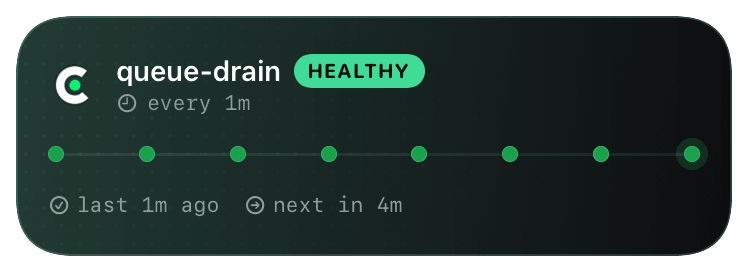
Implemented in source: the authenticated dashboard mints a hashed, expiring credential bound to one webhook bridge and can revoke it independently. Hosted deployment, provider-native signature coverage, and a real phone receipt remain release checks.
Setup
- 1Open Dashboard → Provider webhooks and create a credential labeled for Cronitor. Choose Cronitor; do not adapt an account credential.
- 2If Cronitor cannot set a custom header, paste the one-time provider-console URL. Otherwise prefer the clean endpoint plus
X-Chirp-Webhook-Token. - 3Select only the minimum Cronitor events required and keep the URL or token in the provider's protected secret field.
- 4Send a reversible test event, then inspect both provider acceptance and the separate phone delivery acknowledgement.
- 5Revoke and replace the credential immediately if its URL or token appears in logs, screenshots, chat, or source control.
shell
# Dashboard → Provider webhooks
# 1. Choose Cronitor, label the destination, and set an expiry.
# 2. Create the credential and copy its one-time setup value.
#
# Provider console: paste the one-time provider-console URL.
# Programmable sender (preferred): POST to the clean endpoint with
# X-Chirp-Webhook-Token: <one-time chirp_wh_... token>
#
# Bound endpoint:
CHIRP_WEBHOOK_ENDPOINT="https://api.chirpapp.dev/v1/webhooks/cronitor"
#
# Never substitute CHIRP_API_KEY; broad account keys are rejected here.